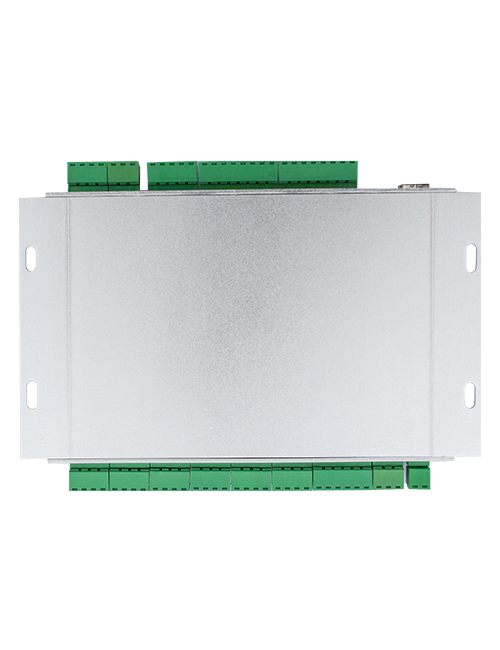
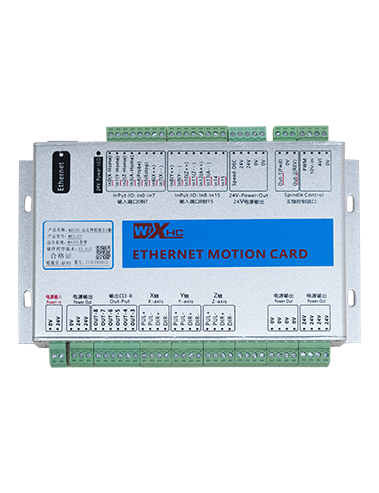
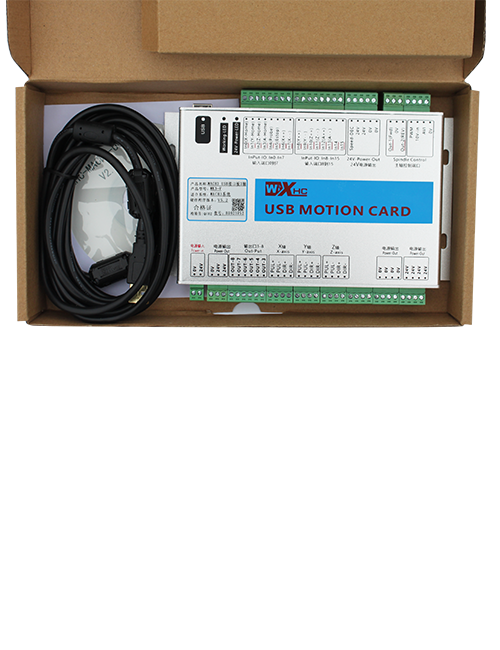
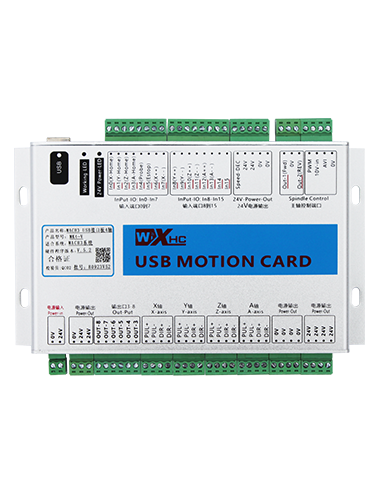
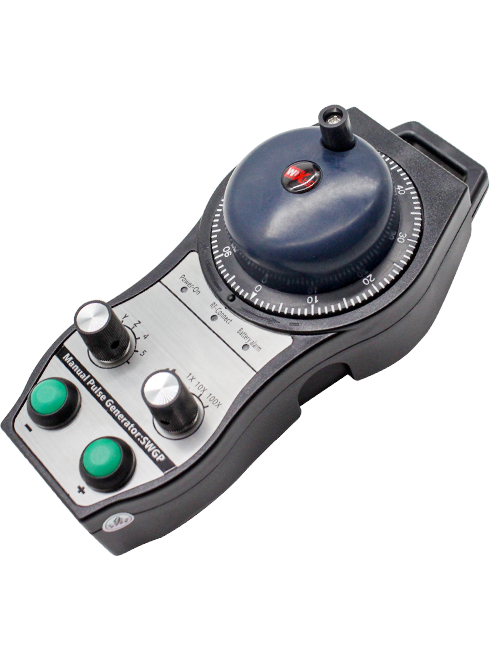
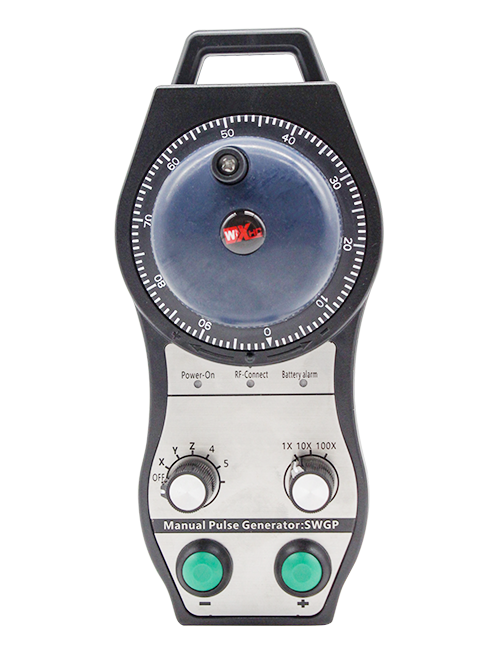
Сүрөттөө

1.Продукцияны киргизүү
Wireless Remote Control is used for manual guidance, жайгаштыруу, tool setting and other operations of CNC machine tools. Бул продукт зымсыз трансмиссия технологиясын кабыл алат, Салттуу жазгы зым туташуусун жок кылуу, Кабелдер менен шартталган жабдууларды азайтуу, Кабелди сүйрөөнүн кемчиликтерин жок кылуу, май тактар, жана башкалар, and is more convenient to operate.It is widely applicable to CNC machine tools such as gantry machining centers, gantry vertical lathes, and CNC gear processing machines, and is compatible with various mainstream CNC system brands on the market, including Siemens, Mitsubishi, Fanuc, Syntec and more.
2.Продукт өзгөчөлүктөрү
1. зымсыз иштөө аралык менен 433MHz зымсыз байланыш технологиясын кабыл алат 20 Метр.
2.Адаптивдүү жыштык секирүү; 32 зымсыз алыстан башкаруу комплекттери тоскоолдуксуз бир эле учурда колдонулушу мүмкүн.
3.Supports the emergency stop button, and the emergency stop button remains effective even after the remote control is powered off.
4.Колдойт 3 которуштуруу IO сигнал чыгаруу менен бажы баскычтары.
5.6-ок башкарууну колдойт, жана 7 12-ок башкаруу өзгөчөлөштүрүлөт.
6. 3-тездик чоңойтуу башкарууну колдойт, жана 4-тездик чоңойтуу башкаруу өзгөчөлөштүрүлөт.
7.иштетүү баскычы функциясын колдойт, которуштуруу IO сигналдарын чыгара алат, жана ошондой эле огу тандоону башкаруу, чоңойтуу жана коддоочу.
8.Программа аркылуу огу тандоо жана чоңойтуу коддоо түрүн өзгөртүүнү колдойт.
9. Supports pulse encoder with specification of 100 Революцияга импульстар.
10. Supports standard Type-C charging with 5V-2A charging specification; built-in battery
specification: 14500 / 1100Мах.
3. Продукциянын өзгөчөлүктөрү
| Working Voltage and Current of Handheld Terminal |
3.7V/20.0mA |
| Charging Battery Specification |
3.7V/14500/1100mAh
|
| Low Voltage Alarm Range of Handheld Terminal |
<3.35V |
| Receiver Power Supply Voltage |
DC5V-24V/1A |
| Receiver Emergency Stop Output Load Range |
AC125V-1A / DC30V-2A |
| Receiver Enable Output Load Range |
AC125V-1A / DC30V-2A |
| Receiver Custom Button Output Load Range |
DC24V / 50mA
|
| Receiver Axis Selection Output Load Range |
DC24V / 50mA |
| Receiver magnification Output Load Range |
DC24V / 50mA |
| Handheld Terminal Transmit Power |
15DBM
|
| Кабыл алуу сезимталдыгын алуу |
-100DBM |
| Зымсыз байланыш жыштыгы |
433MHz Frequency Band
|
| Wireless Communication Distance |
20 meters barrier-free distance
|
| Operating Temperature |
-25℃<X<55℃ |
| Safe drop height |
1 м
|
| Number of Custom Buttons |
3
|
| Product Weight |
546.86(g) |
| Product Dimensions |
200*87*72(mm) |
4. Продукт функциясын киргизүү

Нота:
① Emergency Stop Button:
Тез жардам токтотуу баскычын басыңыз, the two groups of emergency stop IO outputs on the receiver will disconnect, and all remote control functions will be invalidated.Release the emergency stop button, the emergency stop IO outputs on the receiver will be closed, and all remote control functions will be restored. Кошумча, even if the remote control is powered off, pressing the emergency stop button can still activate the emergency stop IO output of the receiver.
② Enable Button:
Press either enable button on both sides, the two sets of enable IO outputs on the receiver will conduct. Release the enable button, and the enable IO outputs will disconnect. It is necessary to press and hold the enable button before toggling axis selection, magnification or rotating the remote control for the operation to take effect.This function can be canceled through the configuration software.
③ Axis Selection Switch (Power Switch):
Иштоо баскычын басып, кармап туруңуз, then toggling the axis selection switch can control the movement of axis .Press and hold the enable button, then toggle the axis selection switch to switch the motion axis controlled by the remote control. Toggle the switch from the OFF position to any axis position, and the remote control will power on automatically.
④ Pulse Encoder:
Press and hold the enable button and rotate the pulse encoder, it will output pulse signals to control the movement of the machine axis.
⑤ LCD Display Screen:

5. Product Accessories Diagram

6. Продукцияны орнотуу боюнча колдонмо
6.1 Продукцияны орнотуу кадамдары
1. Install the receiver in the electrical cabinet via the buckle on its back, or mount it inside the electrical cabinet through the screw holes at the four corners of the receiver.
2. Биздин алуучу зымга дөңгөлөгүнө кайрылыңыз, Аны сиздин сайтта жабдыңыз менен салыштырыңыз, and connect the equipment to the receiver with cables.
3. After the receiver is fixed in place, install the supporting antenna of the receiver properly. Mount or place the outer end of the antenna outside the electrical cabinet. It is recommended to place it on the top of the electrical cabinet for optimal signal performance. Do not leave the antenna uninstalled or place it inside the electrical cabinet; антпесе, signal failure may occur.
4. Акыры, turn on the remote control power switch, then you can remotely operate the machine via the remote control.
6.2 Receiver Installation Dimensions

6.3 Кабыл алуучунун зымга шилтеме диаграммасы
7. Продукт операциялык көрсөтмөлөр
1. Машинада жана кабыл алуучунун кубаты. The receiver operation indicator flashes. After the wireless electronic remote control is fully charged, toggle it from the OFF gear to the X-axis gear, and the remote control display lights up.
2. Select the axis : Иштоо баскычын басып, кармап туруңуз, toggle the axis selection switch to select the axis to be operated.
3. Select the magnification: Иштоо баскычын басып, кармап туруңуз, toggle the magnification switch to select the required magnification gear.
4. Axis movement: Иштоо баскычын басып, кармап туруңуз, select the axis selection switch and the magnification switch, then rotate the pulse encoder. Rotate clockwise to move the axis in the positive direction, and rotate counterclockwise to move the axis in the negative direction.
5. Өзгөчөлөштүрүлгөн баскычты басып, кармап туруңуз, the corresponding button IO output of the receiver will turn on; release the button, and the output will turn off.
6. Тез жардам токтотуу баскычын басыңыз, the corresponding emergency stop IO output of the receiver disconnects and the remote control function becomes invalid. Release the emergency stop button, the emergency stop IO output closes and the remote control function is restored.
7. If the wireless remote control is not operated for a period of time, Бул электр энергиясын керектөөнү азайтуу үчүн ал автоматтык түрдө уйку режимин киргизет. It can be used normally again by pressing the enable button again.
8.If the wireless remote control is not used for a long time, turn the axis switch to OFF to turn off the power and extend battery life
8. Продукт моделинин сүрөттөлүшү
①:UWGP stands for appearance style.
②:Pulse Output Parameters:
01: Импульстун чыгарылышынын сигнал экендигин көрсөтөт, Б; Pulse Voltage 5V; Пульс саны 100ppr.
02: Импульстун чыгарылышынын сигнал экендигин көрсөтөт, Б; Pulse Voltage 12V; pulse quantity 25PPR.
03: Импульстун чыгарылышынын сигнал экендигин көрсөтөт, Б, A -, Б -; Pulse Voltage 5V; Пульс саны 100ppr.
04: NPN ачык ачык схеманын төмөндүгүн көрсөтөт, Пульстун чыгуучу сигналдары A жана B; The number of pulses is 100PPR.
05: Жогорку деңгээлдеги PNP булагын чыгарууну көрсөтөт, Пульстун чыгуучу сигналдары A жана B; Импульстун саны 100ppr.
③:Represents the axis selection switch quantity; 6 stands for 6 AXES, 7 stands for 7 AXES, and so on.
④: Represents the signal type of the axis selection switch.A stands for point-to-point output signal, and B stands for encoder output signal.
⑤: Represents the signal type of the magnification switch.A stands for point-to-point output signal, and B stands for encoder output signal.
⑥: Бажы баскычтарынын санын билдирет; 3 corresponds to 6 бажы баскычтары.
⑦: Represents the power supply for the system remote control. 05 stands for 5V power supply, жана 24 stands for 24V power supply.
⑧: Represents the contact charging mode. It starts charging automatically when placed back on the charging base.
9. Продукцияны чечүү

10. Maintenance and upkeep
1. Сураныч, аны бөлмө температурасында кургак чөйрөдө колдонуп, анын тейлөө мөөнөтүн узартуу үчүн басым жасаңыз.
2. Please avoid using in abnormal environments such as rain and water to extend the service life.
3. Please keep the appearance of the remote control clean to extend its service life.
4. Please avoid crushing, dropping, or bumping, жана башкалар. to prevent damage to the precision components inside the remote control or accuracy errors.
5. Эгерде көптөн бери колдонулбаса, please store the remote control in a clean and safe place.
6. Avoid moisture and shock during storage and transportation.
11. Коопсуздук маалыматы
1. Сураныч, колдонмону кылдаттык менен жасаардан мурун, адистин эмес эмес.
2. Please charge the remote control in a timely manner when the battery level is too low, to avoid malfunction and operational errors caused by insufficient power.
3. If you repair it yourself and cause damage, the warranty will be void.